![Hampr logo horizontal black text.png]](https://help.hampr.com.au/hs-fs/hubfs/Hampr%20logo%20horizontal%20black%20text.png?height=45&name=Hampr%20logo%20horizontal%20black%20text.png)
Video Tutorial:
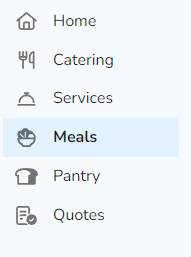
1. Click on 'Meals' on the left navigation menu
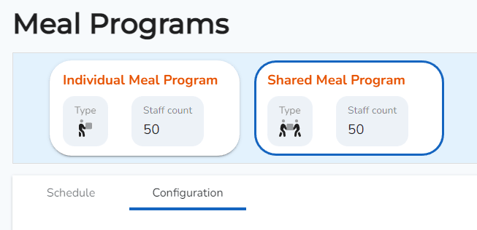
2. Click 'Shared Meal Program', then click on the 'Configuration' tab
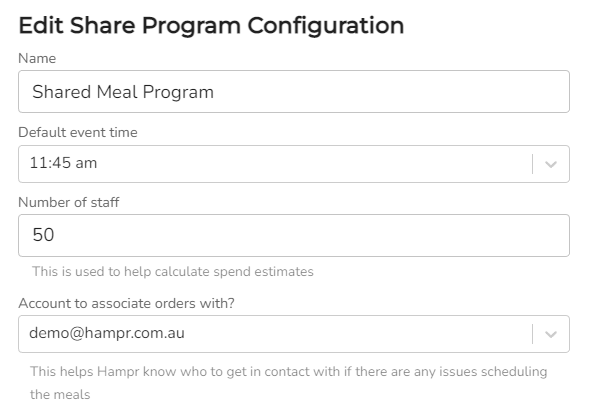
3. Edit your program configuration settings
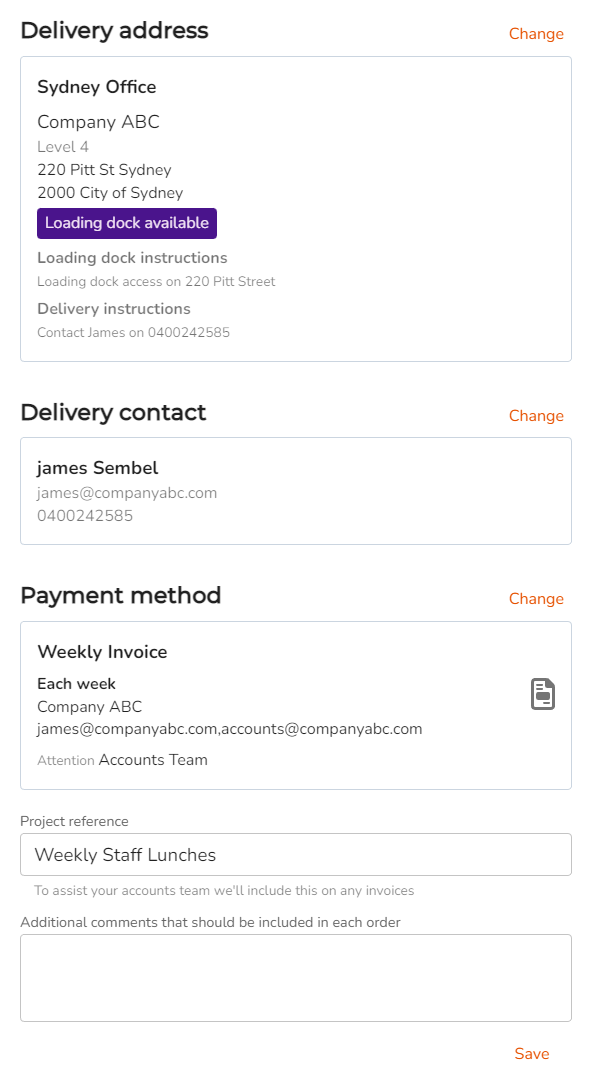
4. Select a default delivery address, delivery contact and payment method for your meal program, then click 'Save'. If preferred, please feel free to input a reference code or ID for these types of orders.