![Hampr logo horizontal black text.png]](https://help.hampr.com.au/hs-fs/hubfs/Hampr%20logo%20horizontal%20black%20text.png?height=45&name=Hampr%20logo%20horizontal%20black%20text.png)
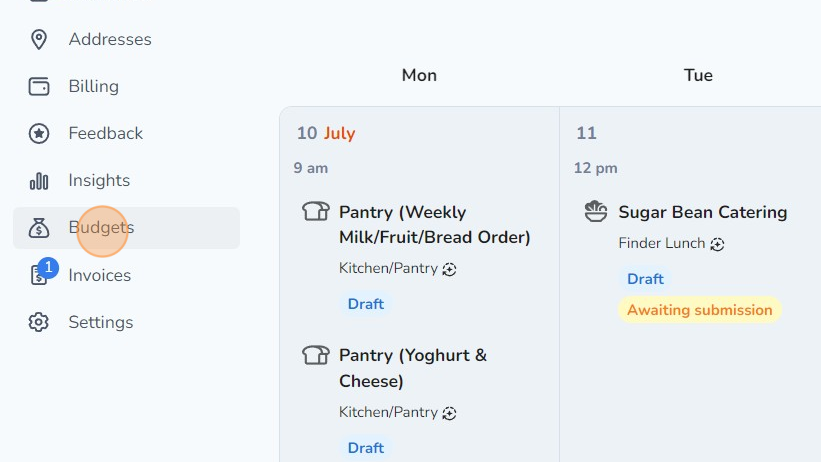
1. Click 'Budgets' on your left navigation menu
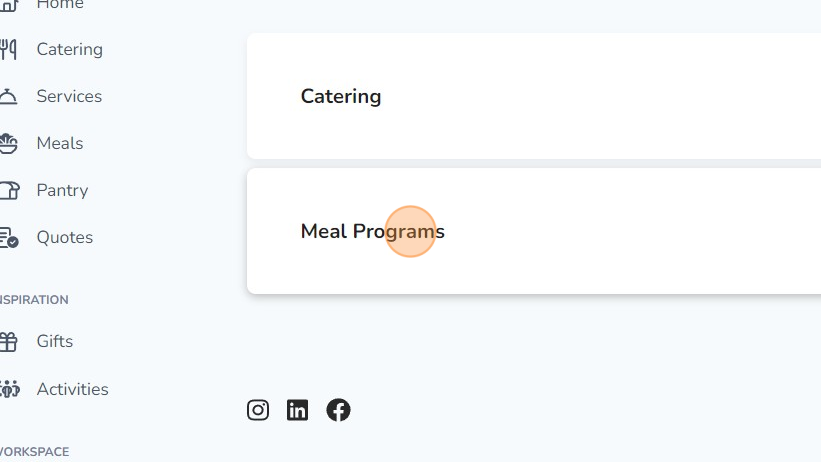
2. Select the budget that you created.
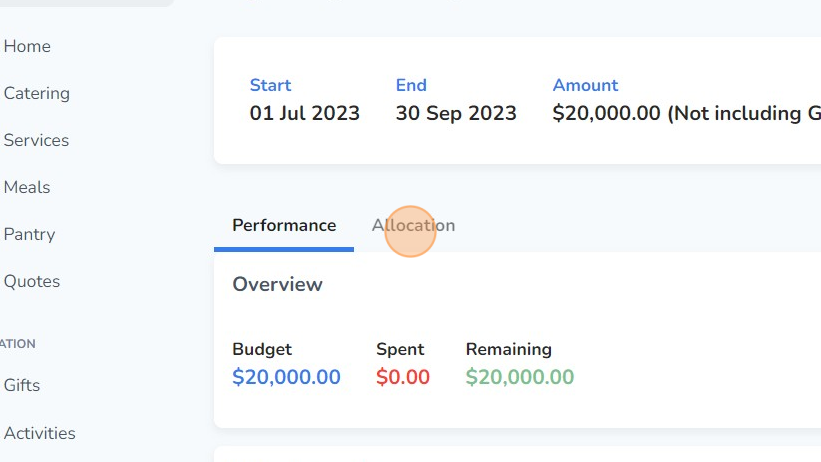
3. Click on the 'Allocation' tab.
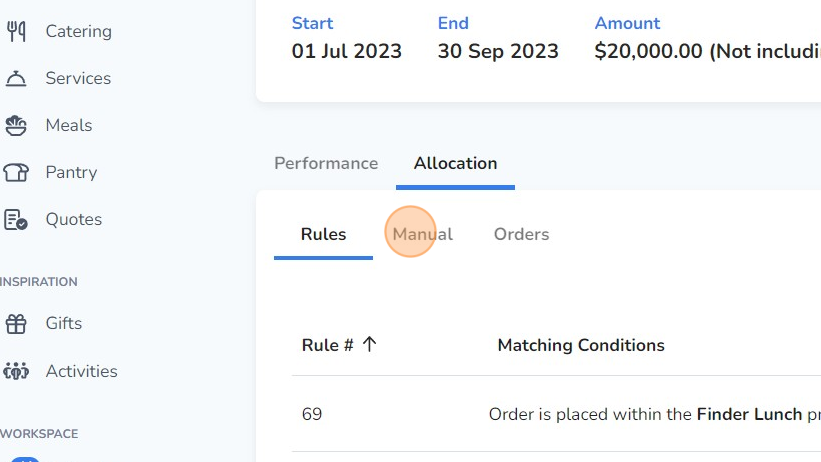
4. Click on the 'Manual' tab under Allocation.
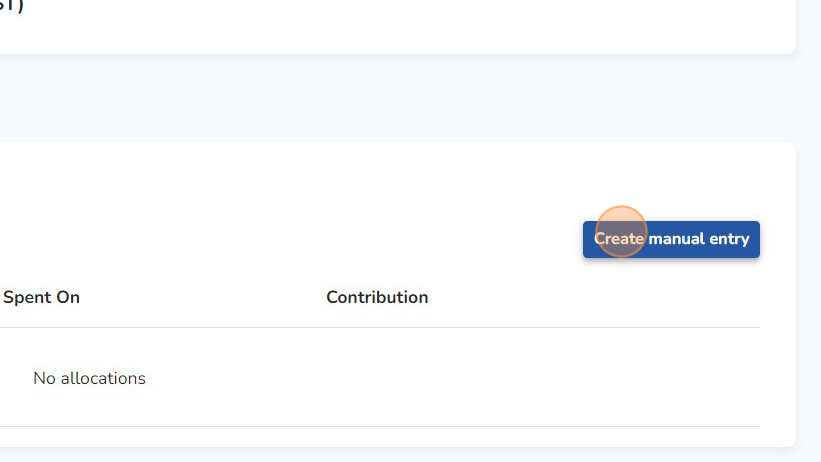
5. Select 'Create manual entry'.
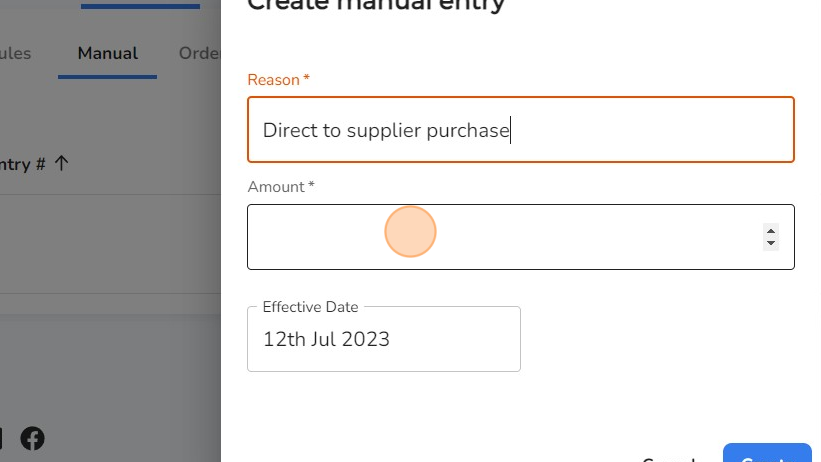
6. Input the reason for this manual entry, followed by the total amount and the effective date of this order.
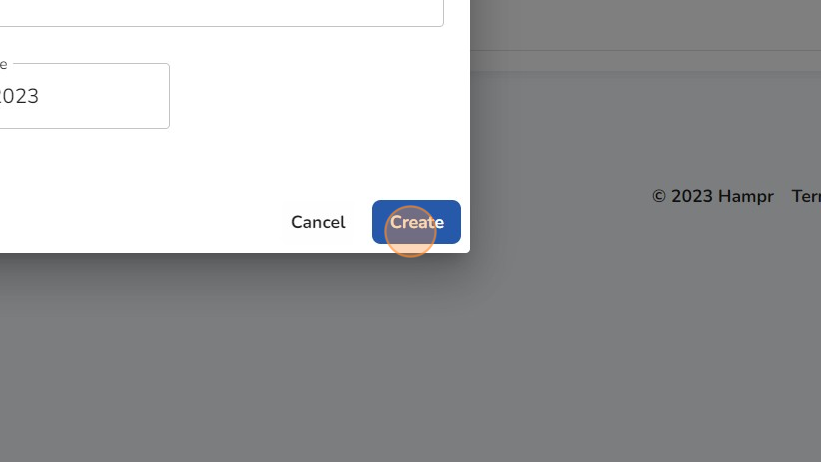
7. Click "Create'.