![Hampr logo horizontal black text.png]](https://help.hampr.com.au/hs-fs/hubfs/Hampr%20logo%20horizontal%20black%20text.png?height=45&name=Hampr%20logo%20horizontal%20black%20text.png)
Video Tutorial:
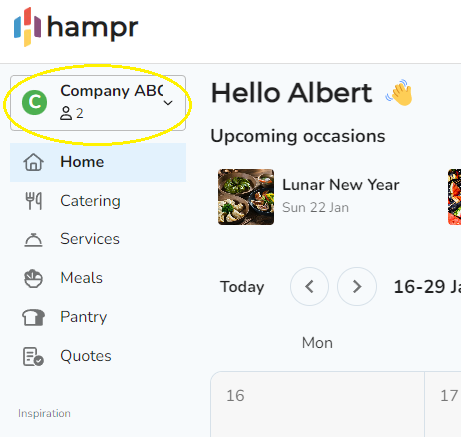
1. Click on your workspace on the top left of the screen.
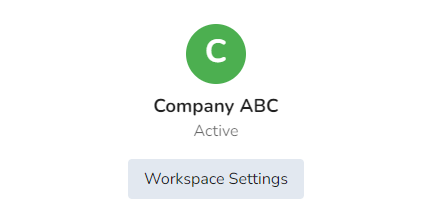
2. Select 'Workspace Settings'
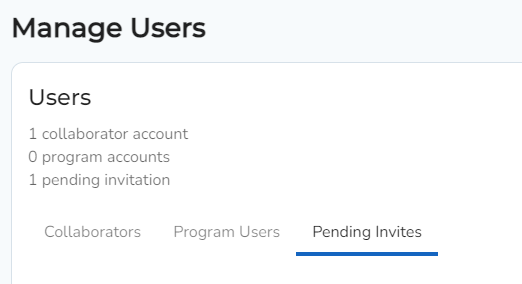
3. Select the 'Pending Invites' tab.
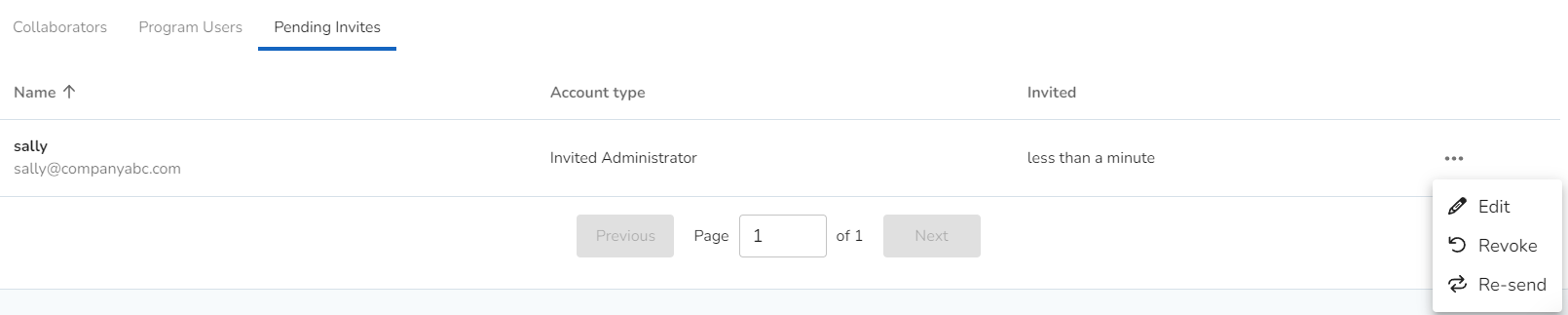
4. Select the burger menu on the right-hand-side of the user you would like to revoke access. Click 'Revoke'