![Hampr logo horizontal black text.png]](https://help.hampr.com.au/hs-fs/hubfs/Hampr%20logo%20horizontal%20black%20text.png?height=45&name=Hampr%20logo%20horizontal%20black%20text.png)
Video Tutorial:
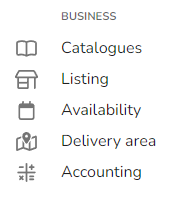
1. Click on 'Availability' on the left navigation menu.
2. Select 'Create new override' at the bottom of the screen.

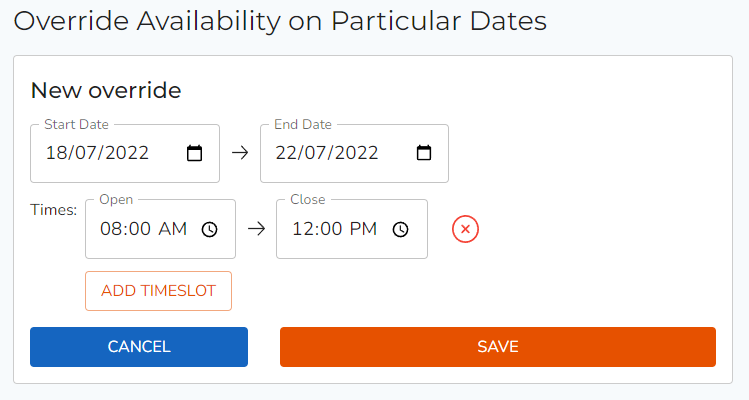
3. Enter a date range you would like to override your availability.
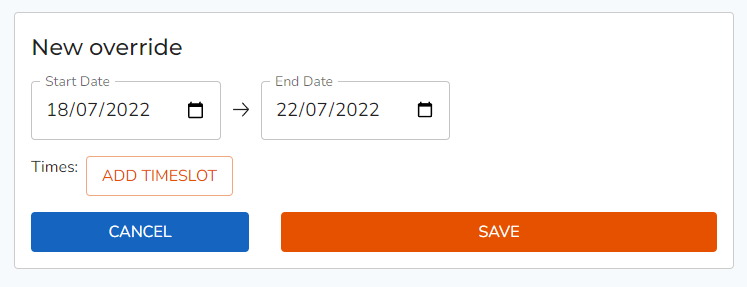
Tip: To only override your availability on a single day, set the same date for the start date and end date.
4. Optionally, if you would like to override a specific time range within a day, input a timeslot to override. Once complete, click 'Save'. This will take affect immediately.