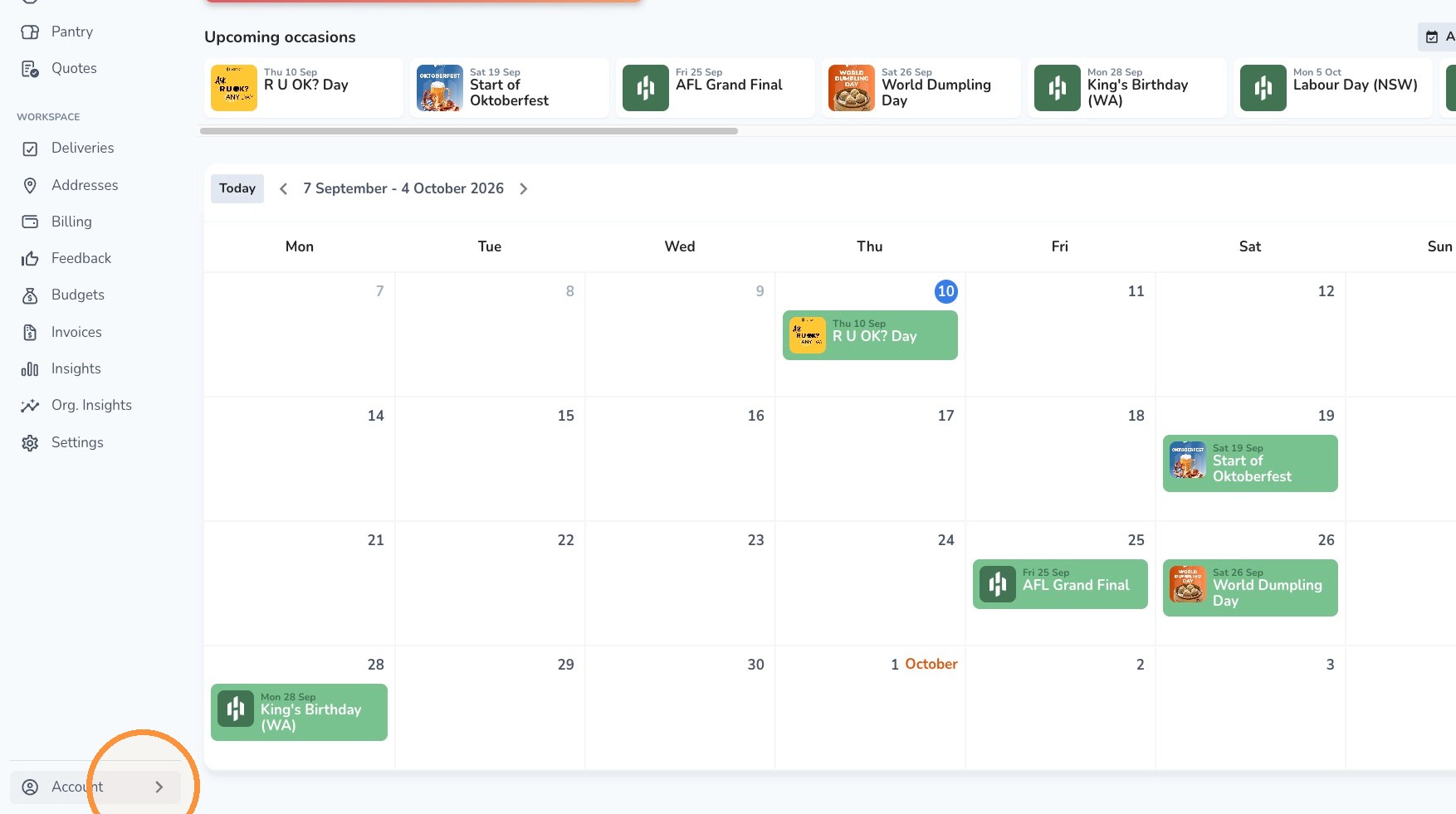
Update your Login Password Hampr September 10, 2026 00:55 Updated 1. Click Account on the bottom-left navigation menu.2. Select Profile. 3. Scroll all the way down to Passwords and click Change password on the right.4. Enter your current password, then enter your new password.5. Click Submit. Related articles Create a delivery contact Create a credit card payment option How to cancel/update my meal submission Create a delivery address with loading dock instructions How to turn on GST inclusive pricing Comments 0 comments Article is closed for comments.

Comments
0 comments
Article is closed for comments.