
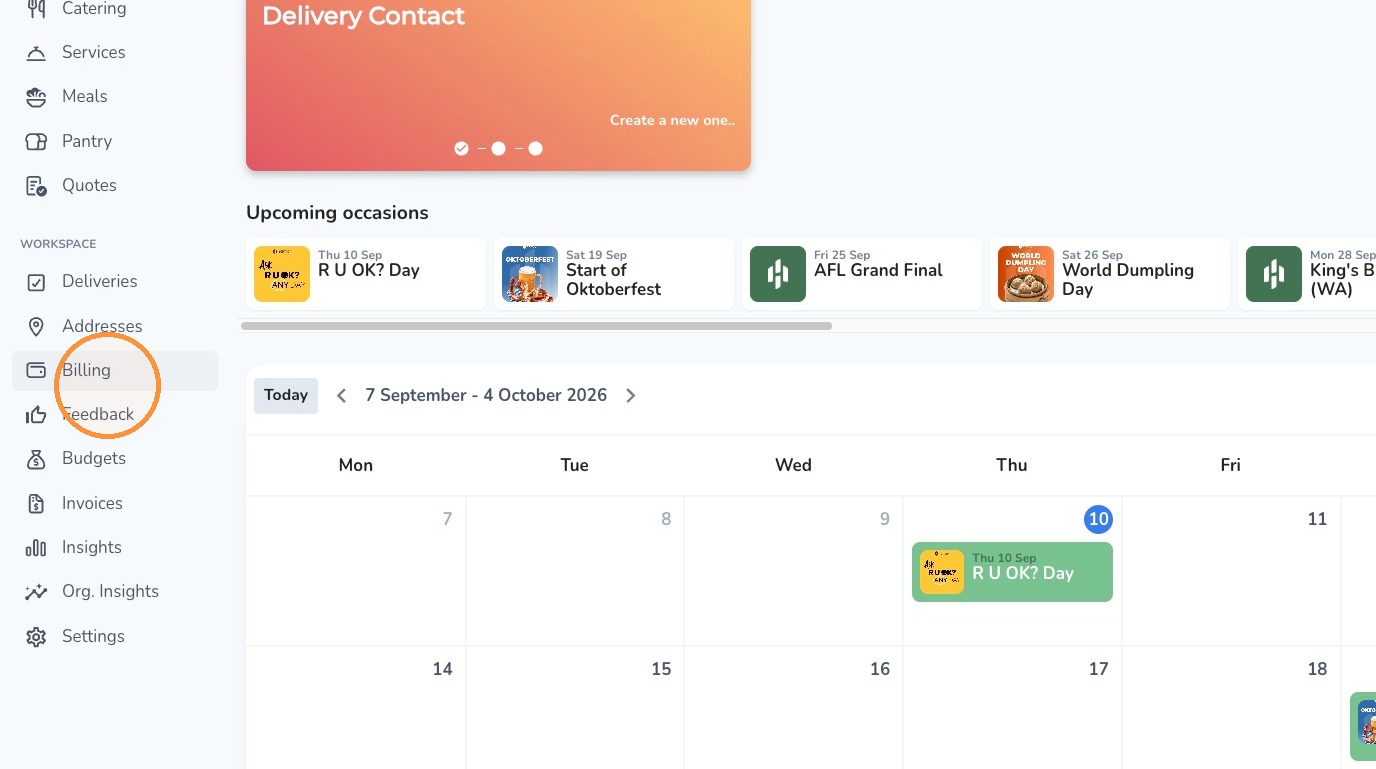
1. Click Billing on the left navigation menu.
2. Click Create new payment option.
3. Select Invoice.
4. Enter a name and choose your preferred invoice period.
5. Enter a reference number if required.
Comments
0 comments
Article is closed for comments.