
1. Click Need a hand? in the top-right corner.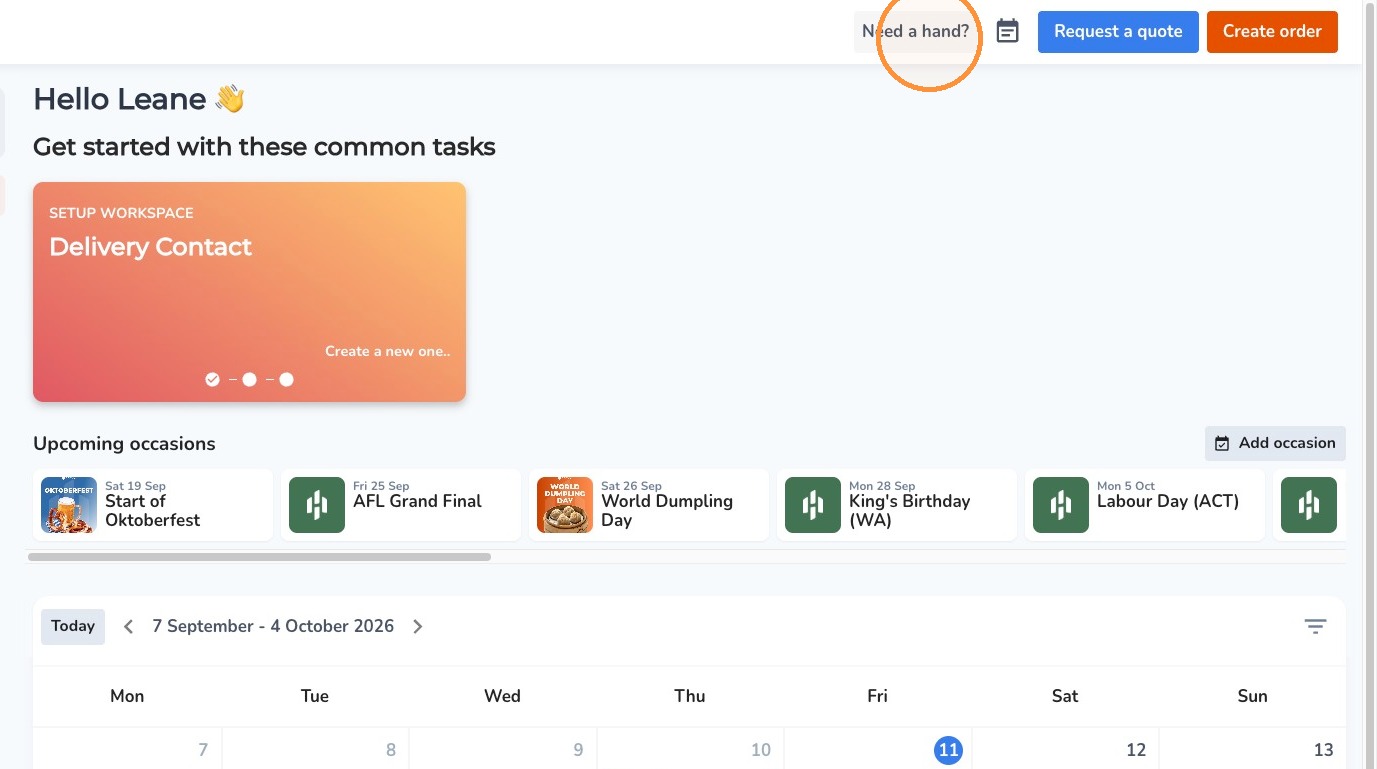
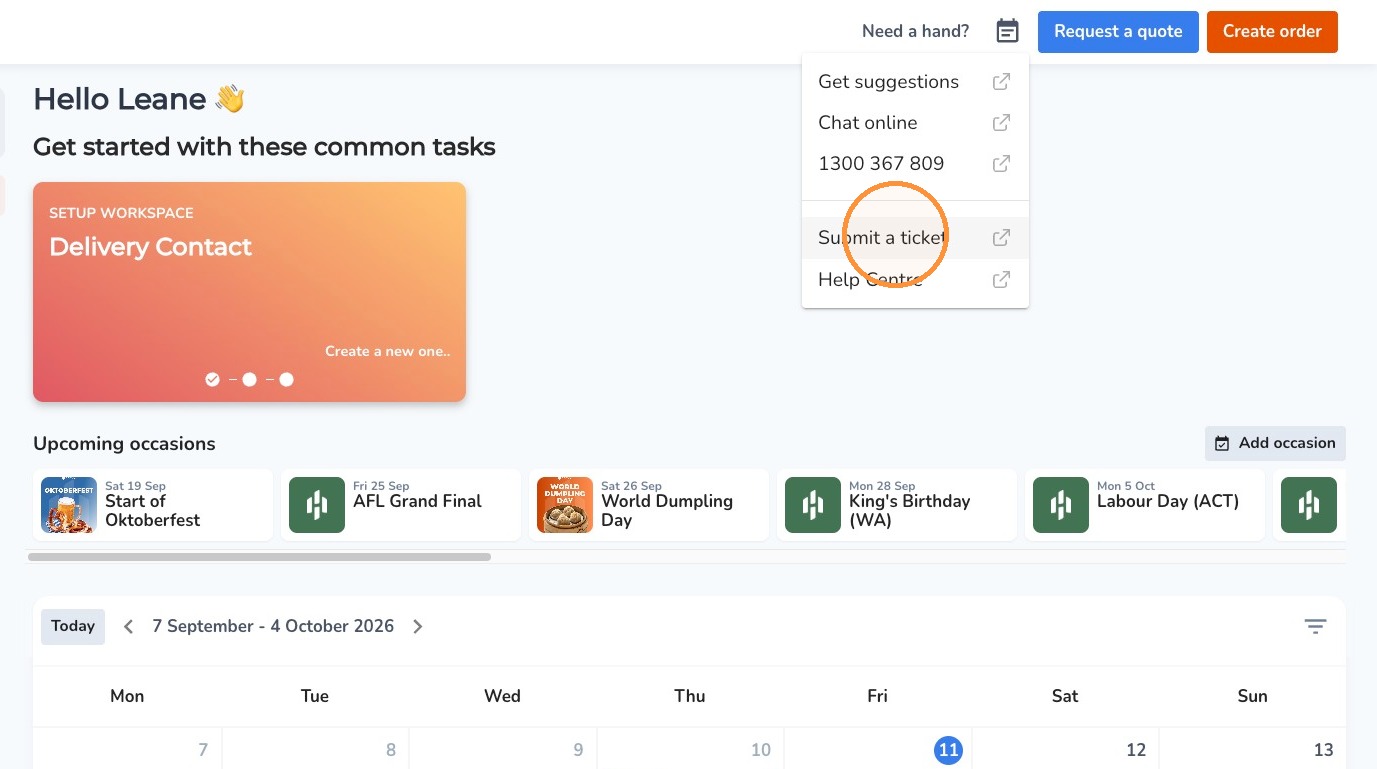
2. Click "Submit A Ticket"
3. Under What's your request about, select Staffing
4. Under Category, select New Staff Request
5. Under Staff Request Type, select the type of request you need.
6. Enter a description of your request in the description box. Ideally, please include:
Location: Which site the request is for.
Your details: Your name and contact details.
Preferred start date: When you need the staffing support to commence.
Shift details: Duration, days and times required, where applicable.
Comments
0 comments
Please sign in to leave a comment.