Skip to main content
How to check your spend data
Hampr
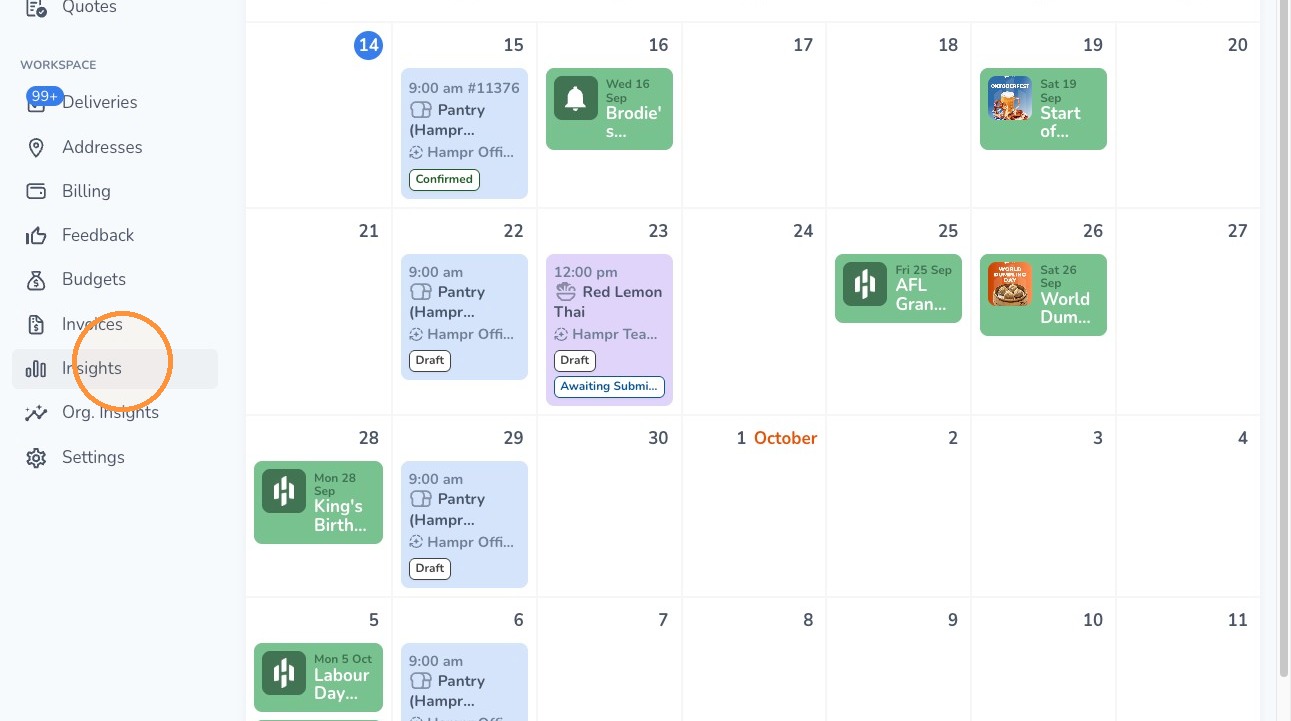
1. Click Insights on the left navigation menu.
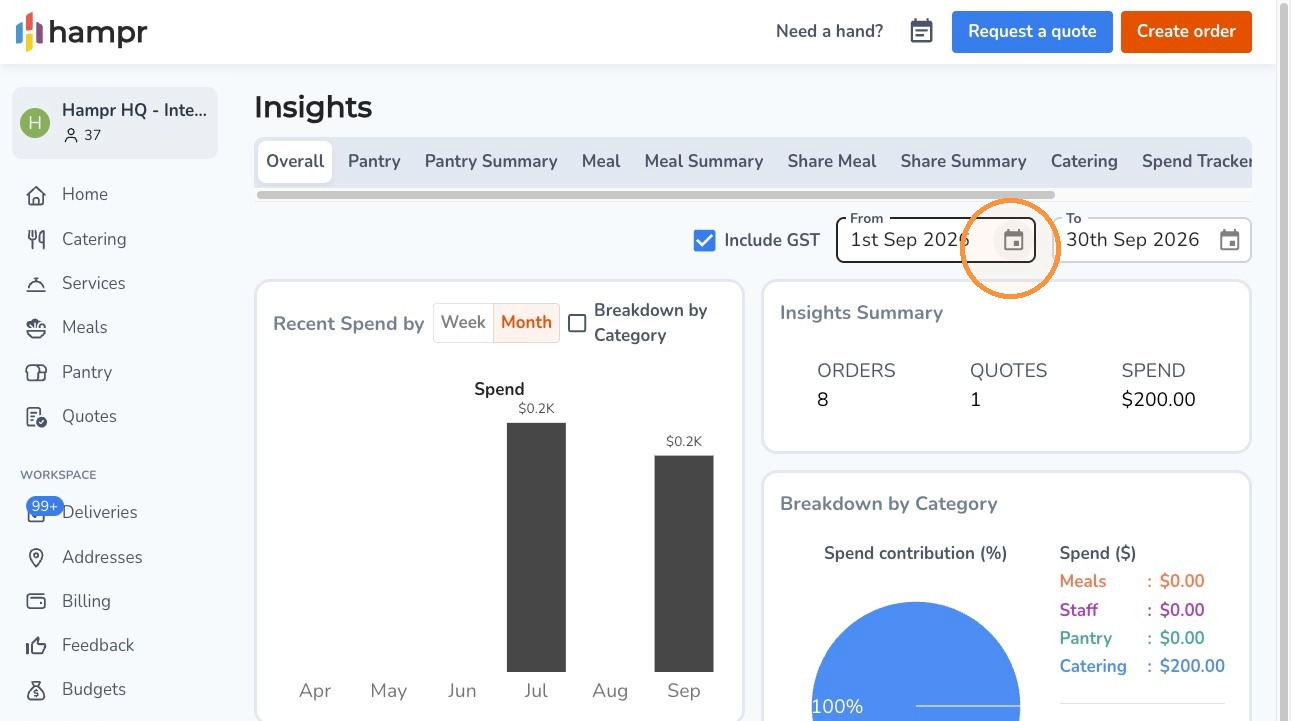
2. Adjust the date range using the date toggle.
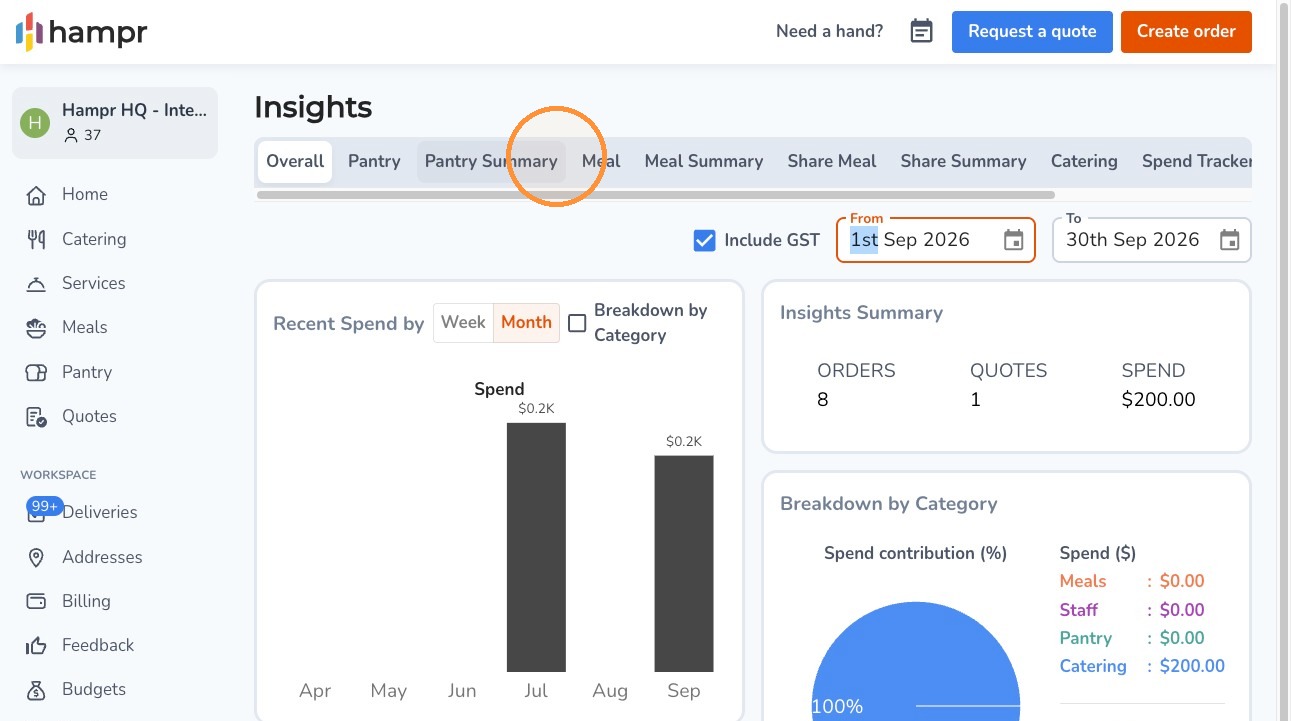
3. Select a category across the top to filter the data.
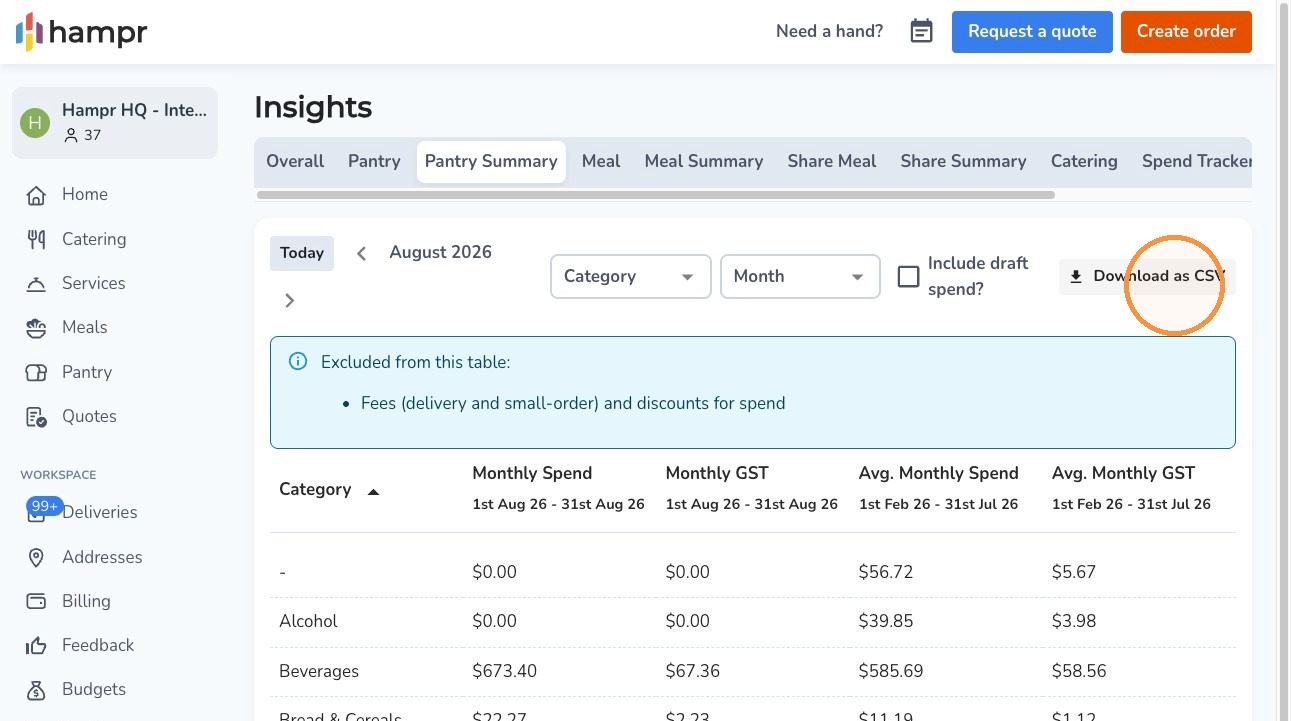
4. Click Download as CSV for an itemised breakdown.

Comments
0 comments
Article is closed for comments.