Skip to main content
How to delete an individual meal program draft
Hampr
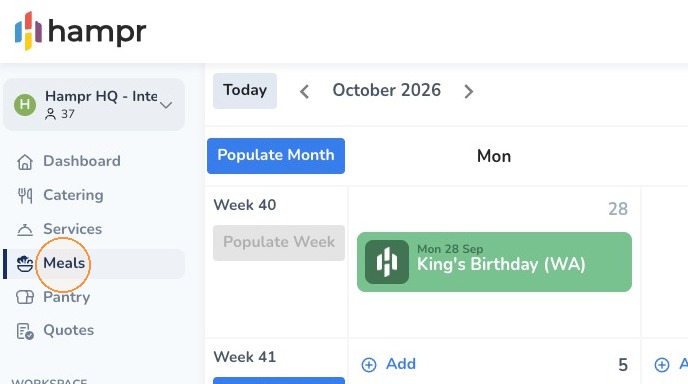
1. Click Meals on the left navigation menu.
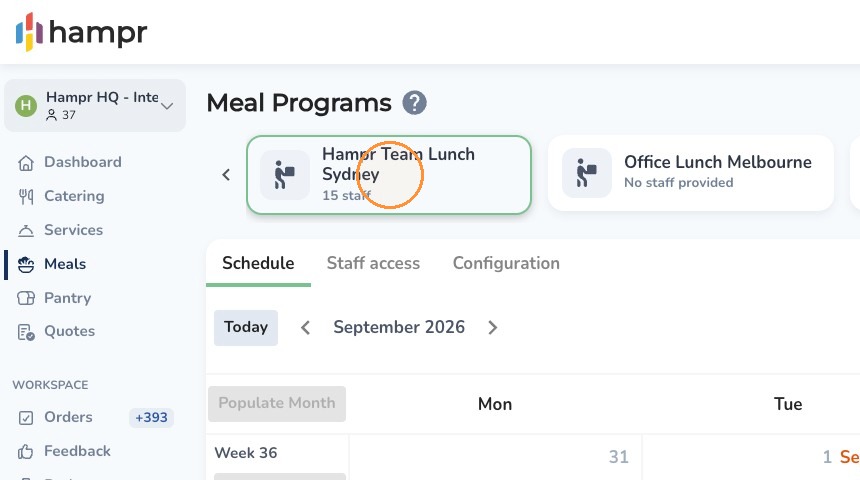
2. Select the Individual Meal Program at the top of the page.
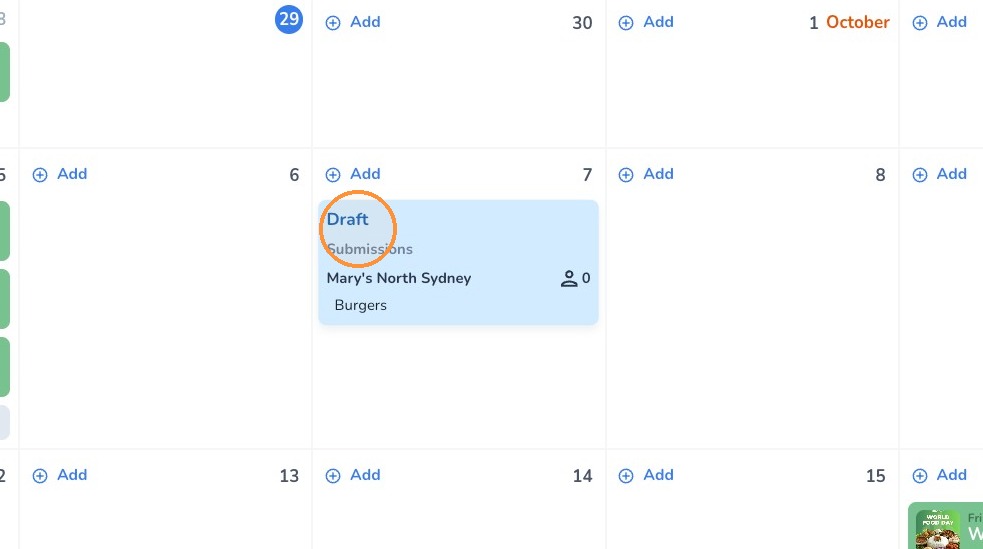
3. Select the draft you want to delete from the calendar.
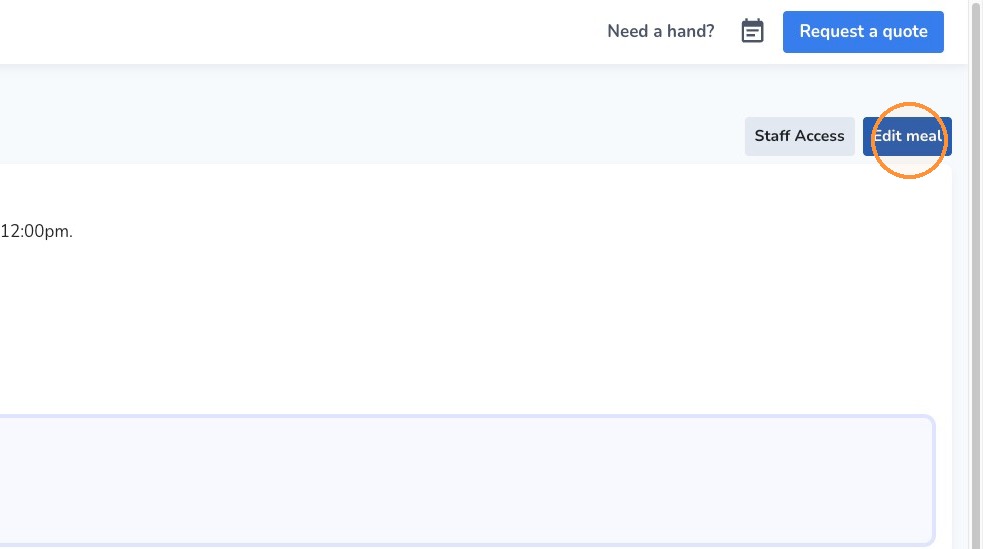
4. Click Edit Meal in the top-right corner.
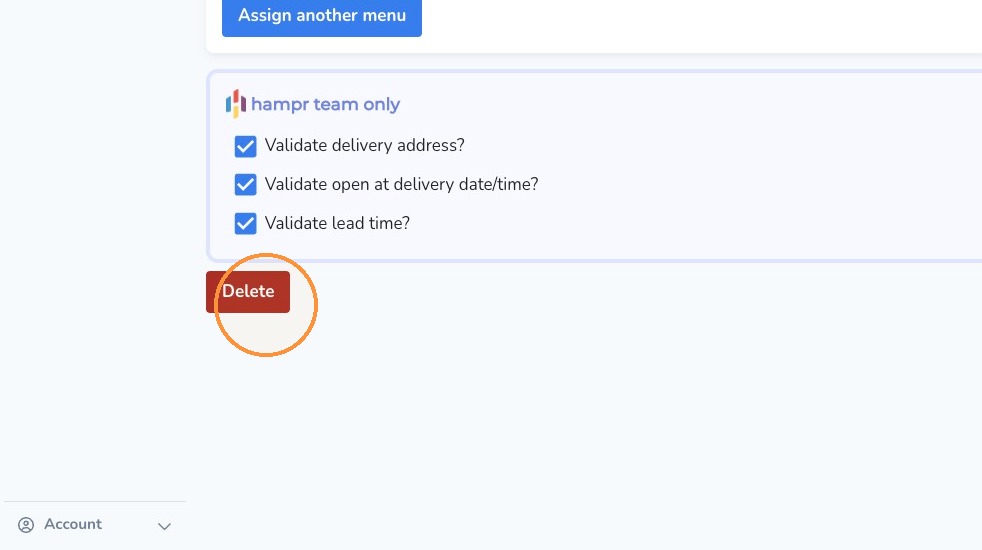
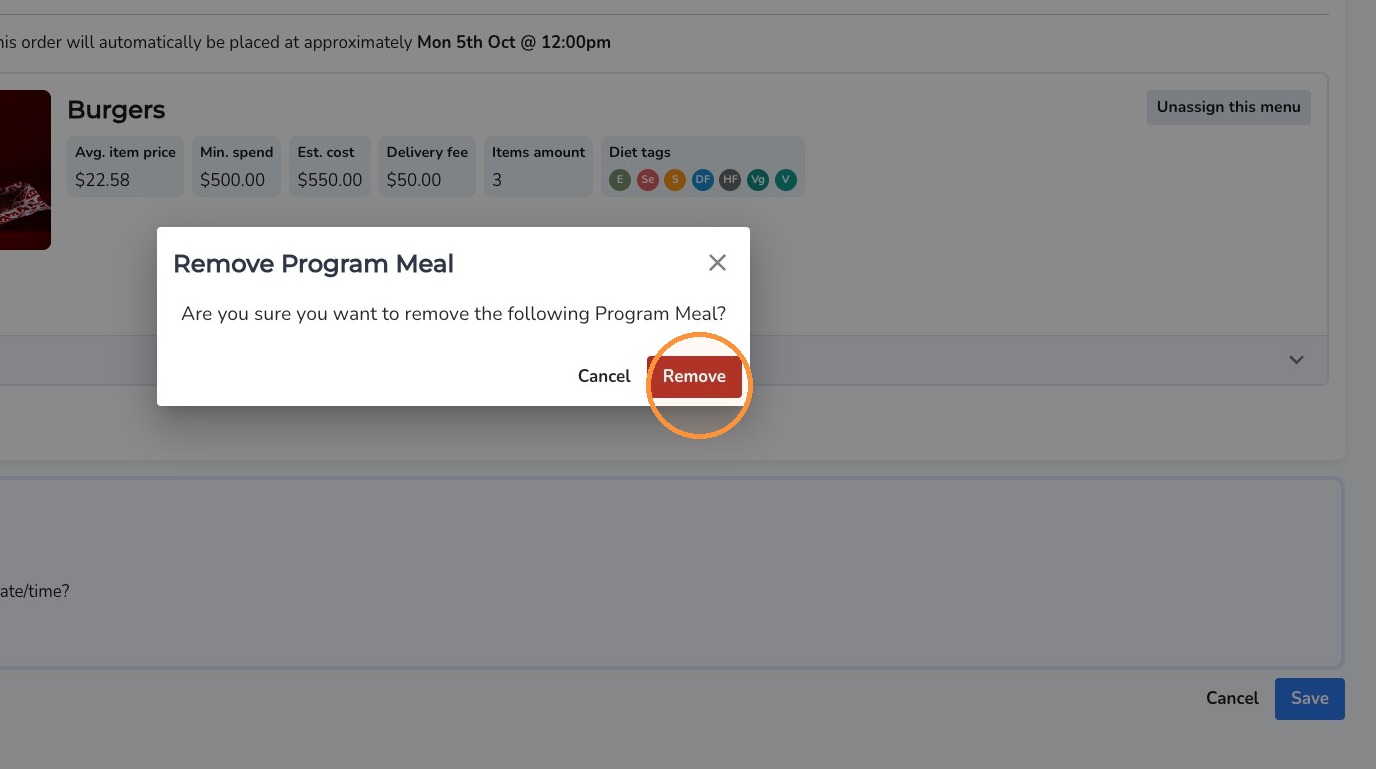
5. Click "Delete" then "Remove"

Comments
0 comments
Article is closed for comments.